Share the posting, keep control of what goes out
Octoque has six roles: Viewer, Contributor, Editor, Manager, Admin and Owner. Contributors can draft but never publish; with approvals turned on, editors’ posts wait for a manager too. Approvals come with Creator ($29 a month, 2 seats) and Studio ($99 a month, 5 seats).
What gets in the way
- One shared password. Everyone logs in as the brand, nobody knows who changed what, and when someone leaves you change every password.
- The wrong version goes out. A typo, the draft caption, last week’s video. Once it’s public, the damage is done.
- “Did that post?” Someone scheduled it, someone else assumed it went out, and nobody saw that TikTok refused it.
Who can do what
Roles are per workspace, so the same person can be an Editor for one brand and a Viewer for another.
| Role | See posts | Write drafts | Publish or schedule | Approve | Manage accounts | Billing |
|---|---|---|---|---|---|---|
| Viewer | Yes | — | — | — | — | — |
| Contributor | Yes | Yes | Needs approval | — | — | — |
| Editor | Yes | Yes | Yes (needs approval if turned on) | — | — | — |
| Manager | Yes | Yes | Yes | Yes | Yes | — |
| Admin | Yes | Yes | Yes | Yes | Yes | — |
| Owner | Yes | Yes | Yes | Yes | Yes | Yes |
How approvals work
- An editor or contributor finishes a post and taps Send for approval. It shows as Needs approval.
- Managers get a notification in the app and by email.
- They open it, check the video and every platform’s caption, and approve. Approved posts go out at their scheduled time.
- If someone who needs approval edits an approved post, it goes back for approval. What goes out is always what was approved.
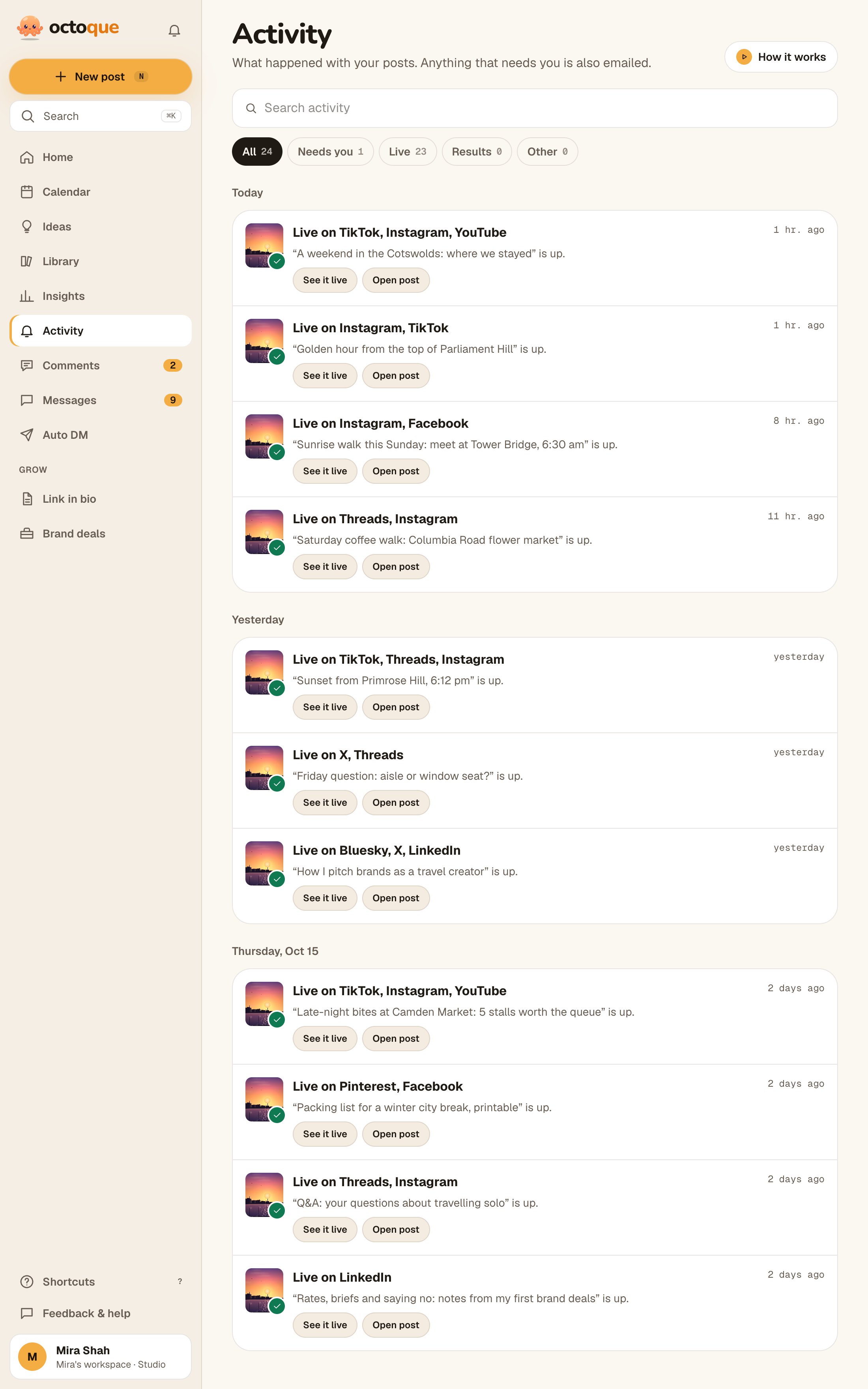
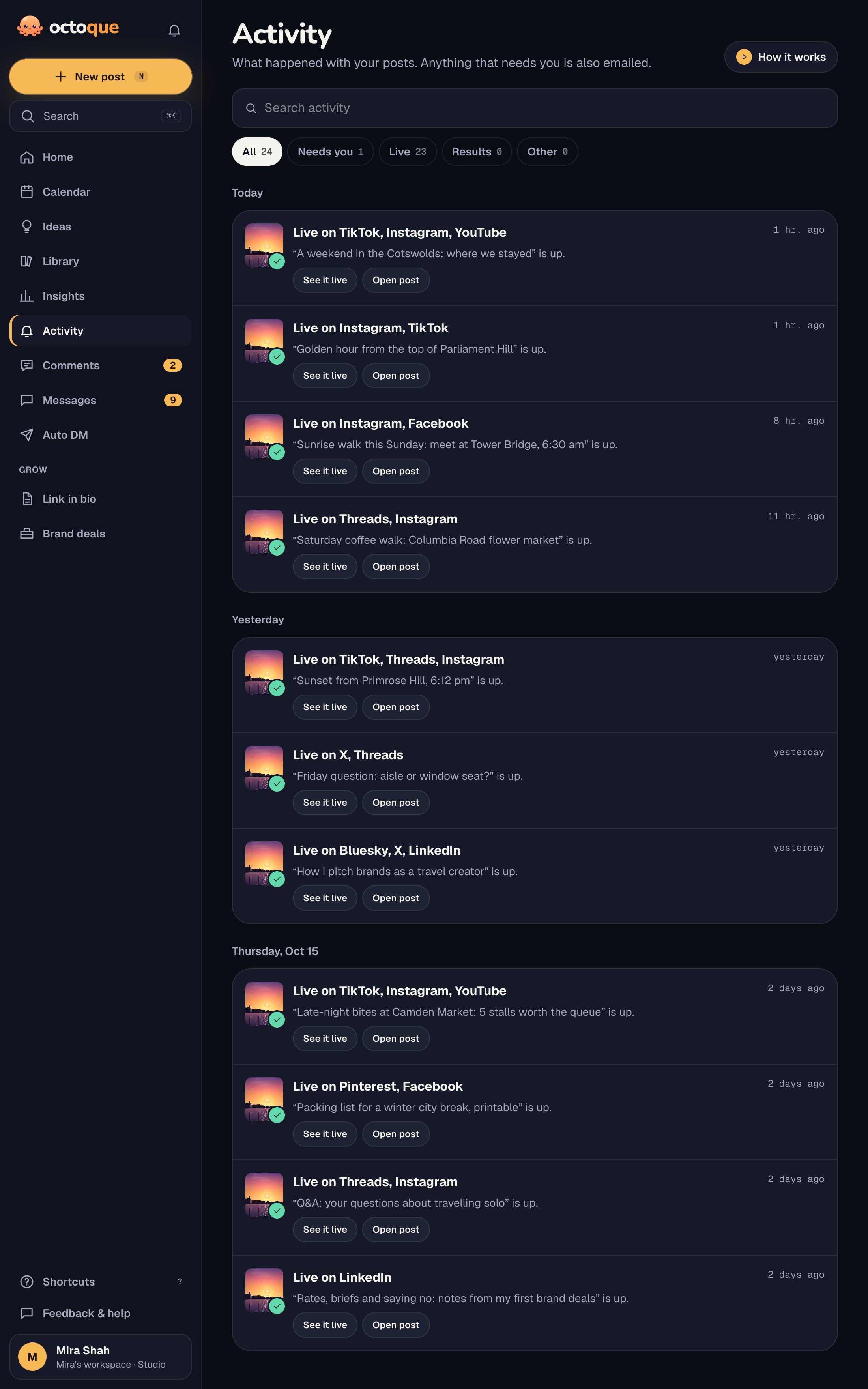
The rest of the team toolkit: a shared calendar and queue, the failure alerts everyone can act on,insights the whole team sees, and one inbox for comments, DMs and Google reviews (replying needs a role that can publish). If your team builds its own tools, the API and MCP server follow the same roles and limits.
What Octoque doesn’t do
- No comments thread on drafts yet; feedback happens outside the app.
- Listening is light (Mentions, on Studio: no websites, news or forums) and Boost isn’t a full ads manager. The inbox covers comments, DMs and Google reviews on your own accounts, but you can’t assign a conversation to a teammate.
- No X comments or X DMs in the inbox. X bills apps for reading them.
- Studio is the biggest plan today, with 5 seats. Larger teams will outgrow it.
- No single sign-on (SSO) or custom contracts.
Which plan fits a team
$29 a month
$24 a month if paid yearly
A creator plus one editor, with approvals.
- 8 accounts, auto-posting
- 11 platforms
- Unlimited scheduling
- 150 X posts a month
- 100 AI caption credits
- 300 clip minutes a month
- 2 team seats
- Approvals
- Comments, messages and Google reviews
- Auto DM with email capture
- Boost a live post as an ad
- Spreadsheet import
- Insights and audience
$99 a month
$82 a month if paid yearly
Up to 5 people, approvals, priority support.
- 25 accounts, auto-posting
- 11 platforms
- Unlimited scheduling
- 500 X posts a month
- 500 AI caption credits
- 1,000 clip minutes a month
- 5 team seats
- Approvals
- Comments, messages and Google reviews
- Auto DM with email capture
- Boost a live post as an ad
- Mentions: track 10 keywords
- Spreadsheet import
- White-label client reports
- Priority support
Prices in US dollars; you pay in your own currency with local tax at checkout. Free doesn’t post for you: it reminds you at the right time. New accounts get 14 days of auto-posting free (3 accounts, 30 posts), no card needed. Compare all plans.
Questions people ask
Does every teammate need a paid seat?
Each person who signs in takes a seat. Creator includes 2 and Studio 5. Free and Starter are for one person.
Can someone help with one brand only?
Yes. Invitations are per workspace, so a freelancer you invite to one workspace sees only that one.
What happens when someone leaves?
Remove them from the workspace. Their posts stay, and because everyone signs in as themselves, there are no shared passwords to change.
Can the team use AI to draft captions?
Yes, with the AI caption credits on your plan. Nothing AI writes is posted unless someone chooses it, and no one trains AI models on your content. See our AI terms.
Keep reading
Your next post could go out at golden hour tonight.
Set it up in three minutes. Free for 14 days, no card needed.
Start free