Insights
See the results of one post
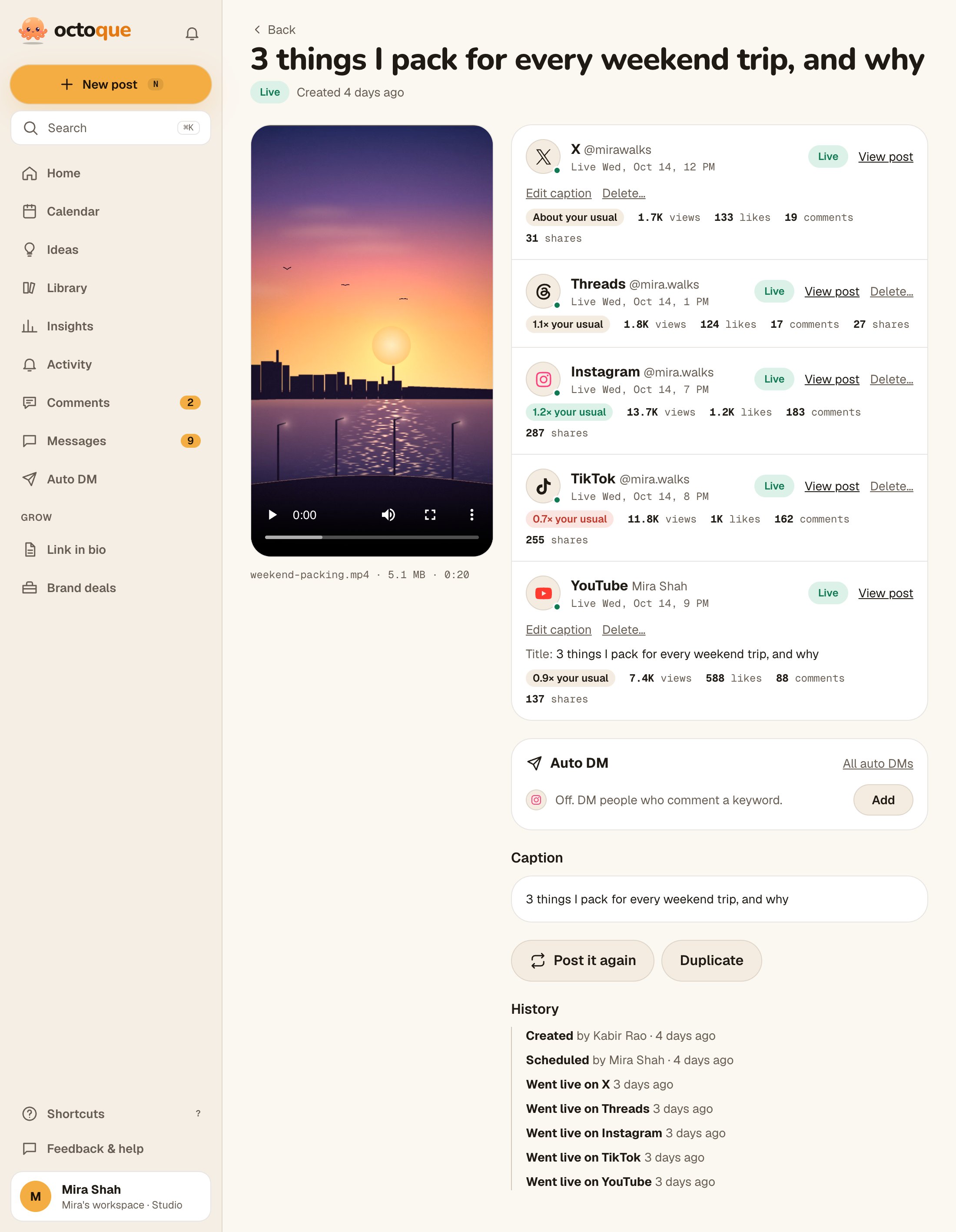
Open a live post to see each platform’s numbers under its name, and a link to the post on the platform.
Updated
Steps
- Open the post from Home (Recently live), Calendar, Library or Top posts in Insights.
- Under each platform that’s Live, read its numbers (such as views and likes).
- Tap View post to open it on the platform.
Related articles
Last updated . Found something out of date? Tell us at hello@octoque.com. More in Insights