A content calendar is a list of what you will post, where, and when. Make it one row per video (not one row per platform), with a column for each platform saying how that video goes out there. Fill a week at a time, on the same day each week. Download the free template (CSV); it opens in Google Sheets, Excel and Numbers.
- The template has 16 columns: date, day, the video, a content pillar, format, hook, master file, status, then one column per platform (Instagram, TikTok, YouTube, LinkedIn, X, Facebook, Threads) and notes.
- Three filled example rows show a short video, a photo carousel and a talking-head answer; seven blank rows give you a week.
- It is plain CSV: no sign-up, no email, no macros.
Download the template
content-calendar.csv (2 KB). To use it in Google Sheets: File → Import → Upload, then choose “Replace spreadsheet”. In Excel or Numbers, just open the file. Delete the three example rows when you have read them.
What each column is for
Most free templates give each platform its own tab or its own row. That falls apart for creators, because you make one video and post it in five places. So this one has a row per video and a column per platform.
| Column | What to write | Why it is there |
|---|---|---|
| Date / Day | The day the video first goes out. | Fill gaps you can see at a glance. |
| Video or post | A working title. | The thing you are actually making. |
| Content pillar | Two to four themes, e.g. Teach, Show, Talk. | Stops a week of the same kind of post. |
| Format | Vertical video, carousel, photo, text. Add the length. | Tells you which platforms it fits. |
| Hook | The first line or the first two seconds. | The part most people decide on. Write it before you film. |
| Master file | The clean export, without any app's watermark. | One file to post everywhere. |
| Status | Idea, Draft, Scheduled, Live. | What still needs you. |
| Instagram, TikTok, YouTube, LinkedIn, X, Facebook, ThreadsOne column each | How it goes out there, or “Leave it out”. | Each platform gets its own caption and time. |
| Notes | Anything to remember. | B-roll to shoot, a reply to pin, a permission to ask. |
Fill it in five steps (about 30 minutes a week)
- Pick your rhythm first. Decide how many videos a week you can really finish. Two you will make beat five you won’t. See how often to post.
- Put the pillars down the week. For example, Monday Teach, Wednesday Show, Friday Talk. Now each slot has a brief.
- Write the hook for each row. If you can’t write the first line, the idea isn’t ready. Move it to next week.
- Decide each platform cell. Format, caption angle, title for YouTube, or “Leave it out”. Check sizes in the video specs cheat sheet.
- Schedule, then mark the status. Use each platform’s own best hour rather than one time for all. See best time to post.
A filled-in week
These are the template’s example rows, trimmed. They are made up to show the shape, not real results.
| Day | Video | Hook | TikTok | YouTube | ||
|---|---|---|---|---|---|---|
| Mon | 3 mistakes I made editing my first Reel | “I wasted a month on these three edits.” | Reel, golden hour | Video, golden hour | Short with its own title | Leave it out |
| Wed | Behind the scenes of a client shoot | “What a 2-hour shoot really looks like.” | Carousel | Photo post | Community post | Document post with lessons |
| Fri | Answering the top question in my comments | “You asked this 40 times this week.” | Reel | Video | Short | Leave it out |
- The hook is written and is in the first two seconds of the video.
- The master file is the clean export, not a download from another app.
- Each platform cell has a format, or says Leave it out.
- Captions are written per platform (short for X, a searchable title for YouTube).
- The time is each platform's own best hour, in your audience's time zone.
The same plan in Octoque
The spreadsheet is the plan; a scheduler is where it runs. In Octoque, one post carries one video to every platform you tick, with a caption tab per platform, and each platform goes out at its own golden hour unless you pick a time. The calendar then shows every platform’s post at its own time, by week or month, and the Grid view shows how your next posts will sit on your Instagram or TikTok profile.
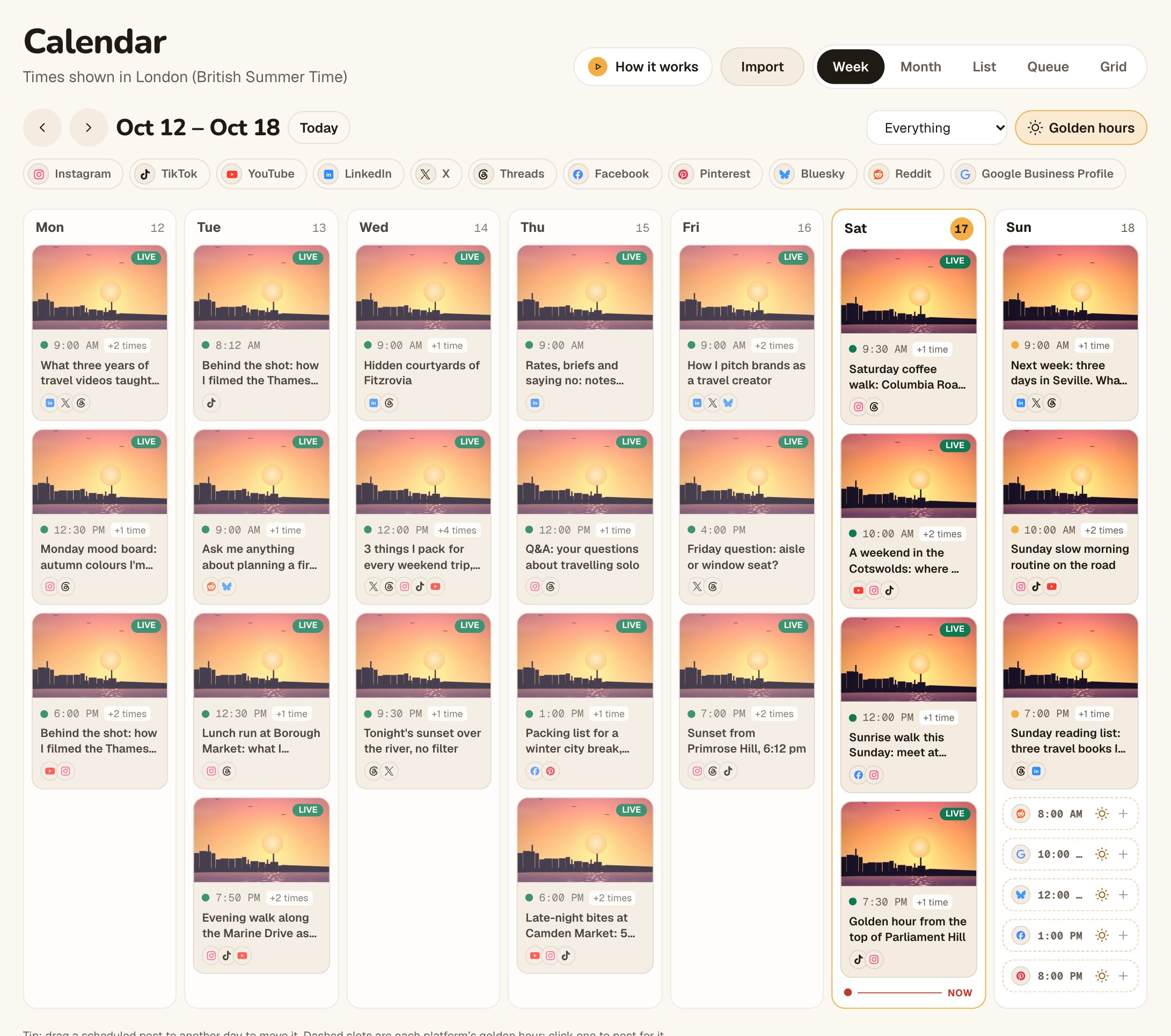
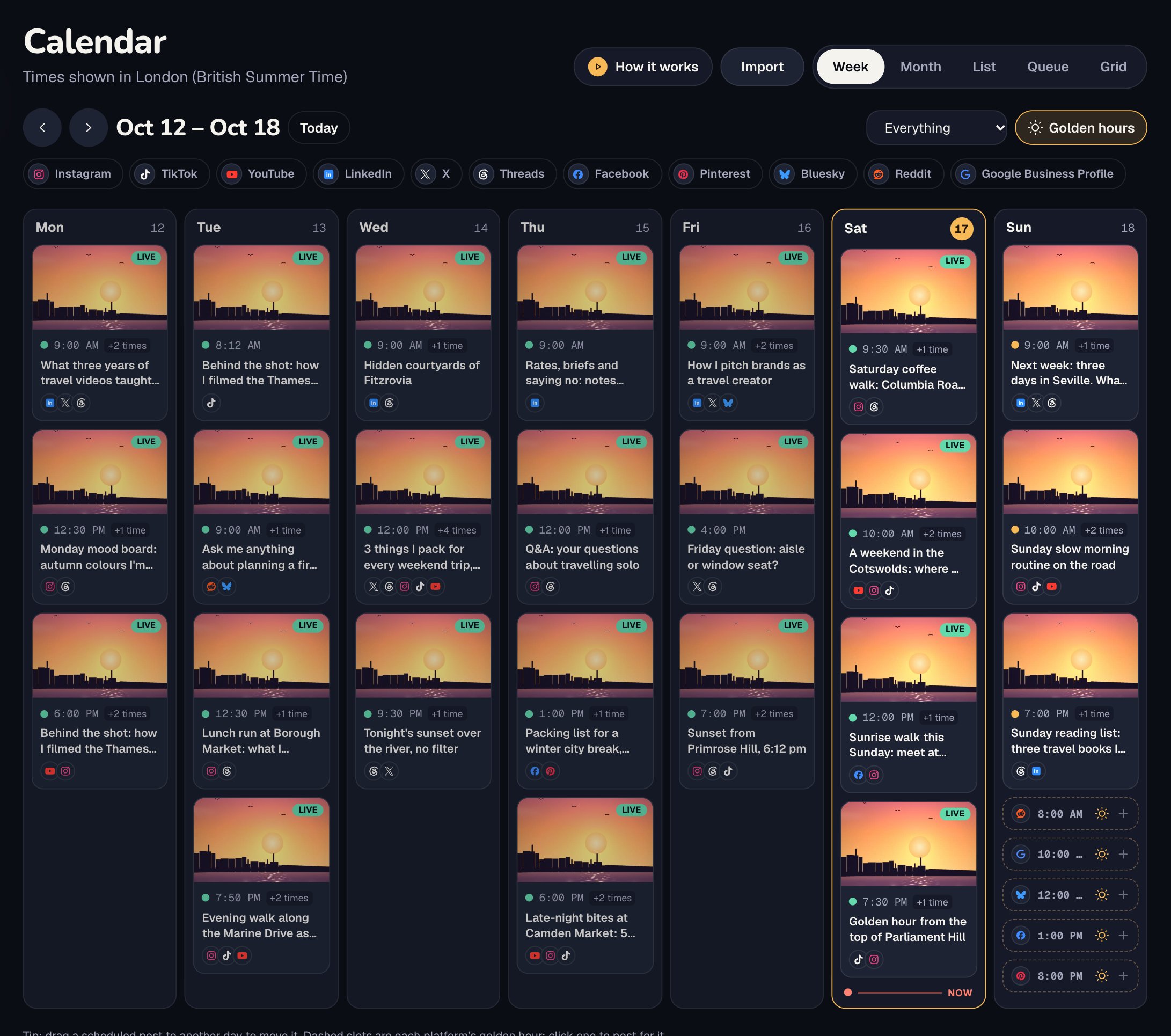
Your weekly rhythm maps to posting times in the Queue view: set times once (say weekdays at 09:00), then choose Add to queue on any post and it takes the next free time. The Library holds drafts and uploads, Post it again brings back a post that worked, and the evergreen queue can fill empty posting times with your best old posts. Dates worth planning around show on the calendar and on the Ideas board. More on the calendar, queue and library.
Keep it going
- Same day, same time. Plan next week every Thursday, say. A calendar you fill on a whim stops by week three.
- Leave one slot empty. Something will happen in the week worth posting about.
- Look back once a month. Add a column for results if you like, and keep the pillars that work.
Questions people ask
Is the template free to use and change?
Yes. Use it, change it, share it. No sign-up.
Should I plan a month at a time?
Plan themes for the month if it helps, but fill the rows one week ahead. Short-video ideas go stale fast, and you learn from last week.
How many content pillars should I have?
Two to four is easy to hold in your head. More than that and every week feels like starting over.
Can I import the CSV into Octoque?
Not this file as it is: it has one column per platform, for planning. Octoque’s importer (Calendar → Import) takes its own template with one post per row (caption, platforms, date, time, and title, link or Library file where needed), up to 200 rows, and checks every row before creating drafts or scheduled posts. See import from a spreadsheet.
What if I only post on one platform?
Delete the other platform columns. The rest still works.

Kumar Gaurav builds Octoque. Creators should spend their time making things, not watching clocks. So you make the video, and Octoque finds the moment: one upload, every platform, each at its golden hour. These guides follow the same idea. Real channels, real numbers, nothing you don’t need.
More from Kumar GauravKeep reading
Sources
All links checked on 14 October 2026.
- Octoque template: content-calendar.csv. The file this post describes