Calendar, queue and library
Find drafts, past posts and uploads in Library
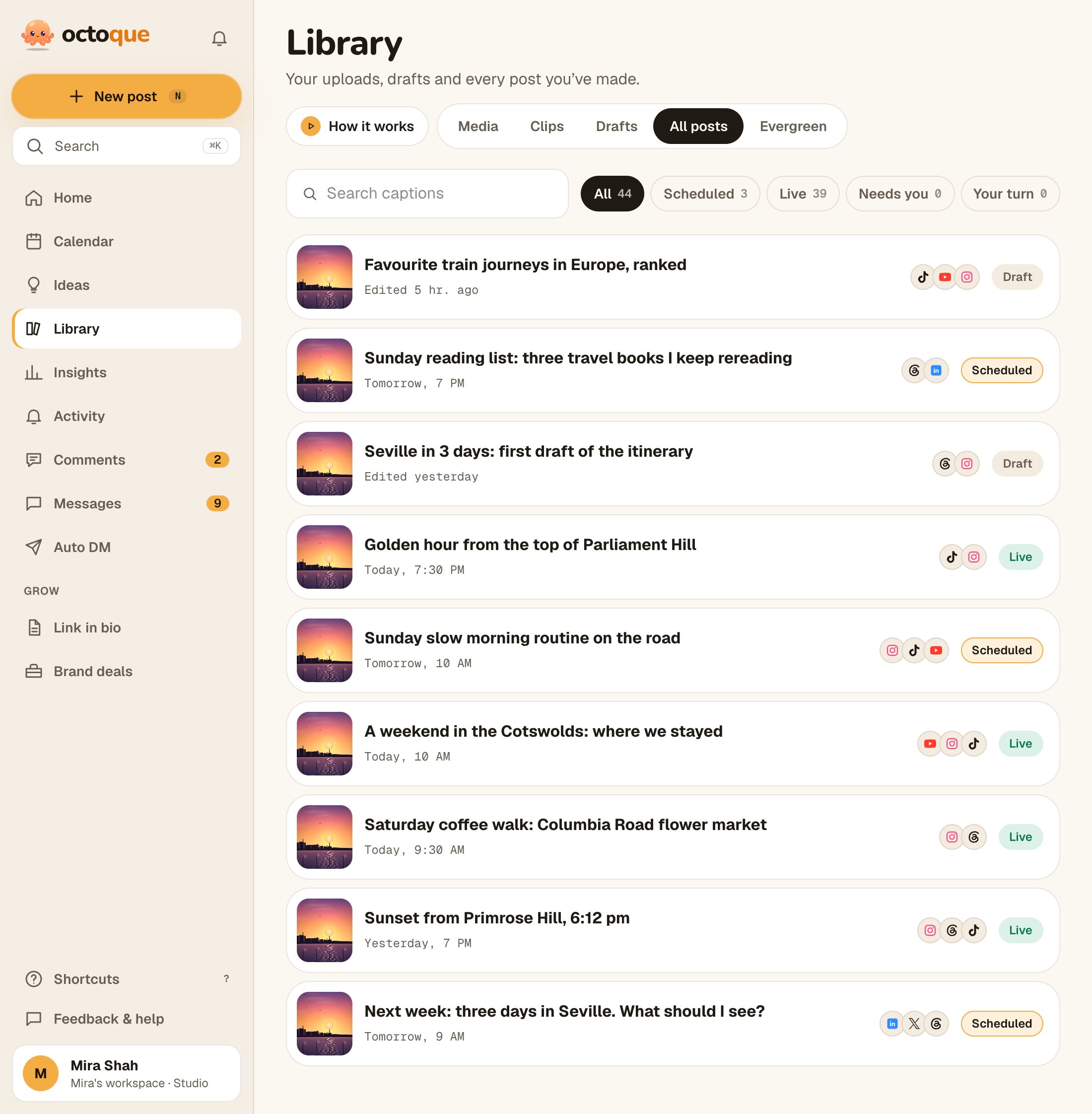
Library has three tabs: Drafts, All posts and Media. Search captions to find any post.
Updated
Steps
- Tap Library (on a phone: pick from Library on New post).
- Drafts: posts you saved to finish later.
- All posts: everything you’ve made, with its status and platforms.
- Type in Search captions to find a post by its words.
- Media: every file you uploaded. Tap Post this to start a new post with it, or Delete to remove it (“Delete this file? Live posts keep it.”).
Troubleshooting
Nothing matches
No caption has those words. Try one word, or check the tab: Drafts only searches drafts.
Related articles
Last updated . Found something out of date? Tell us at hello@octoque.com. More in Calendar, queue and library