Account, privacy and data
Download your data
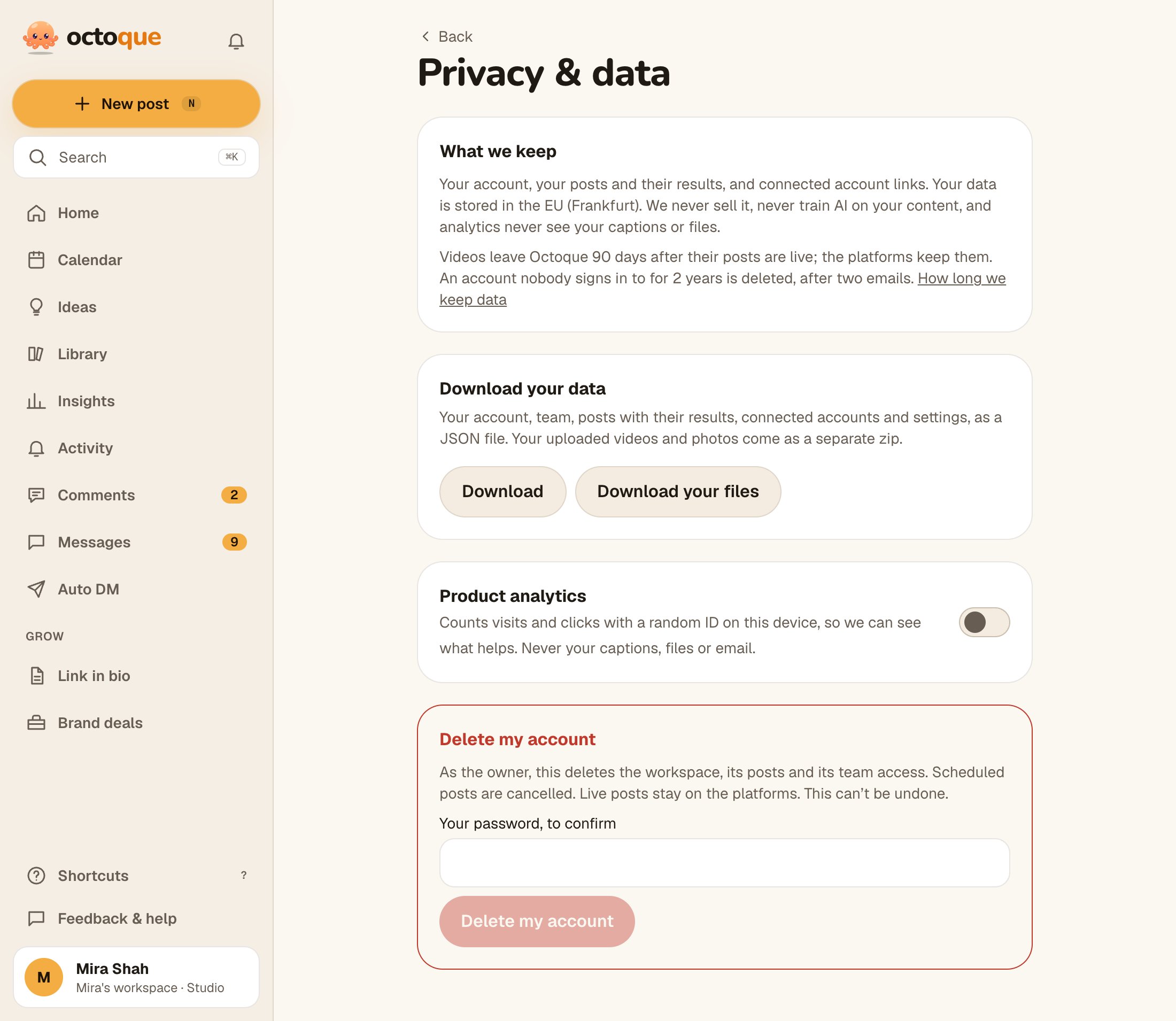
Get your account, team, posts with results, connected accounts and settings as a JSON file, and your uploads as a zip.
Updated
Steps
- Go to You → Privacy & data.
- Under Download your data, tap Download for the JSON file (“Your data is downloading.”).
- Tap Download your files for your uploaded videos and photos as a zip. It shows “Preparing your files…” while it builds.
Product analytics
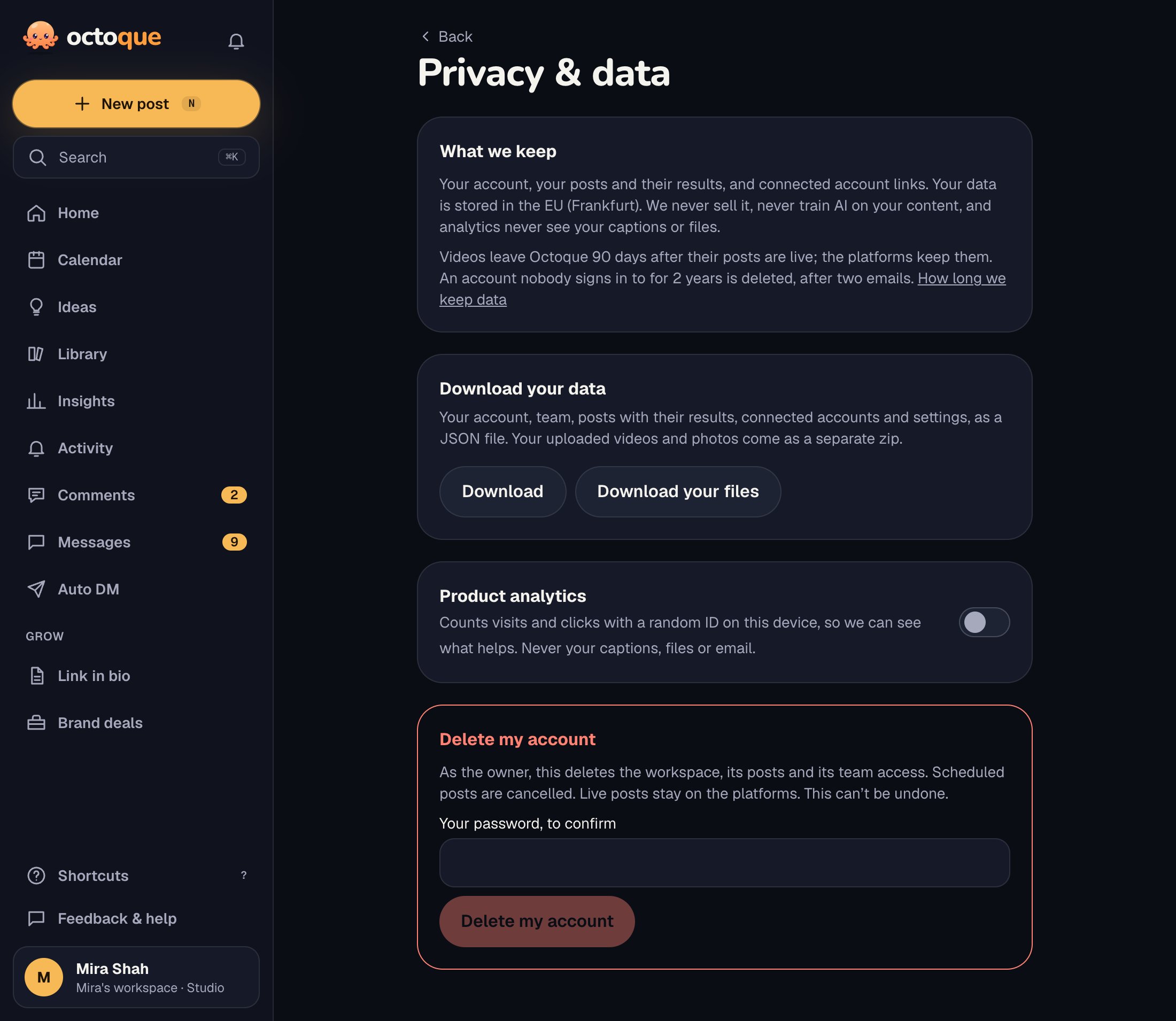
On the same page, Product analytics counts visits and clicks with a random ID on this device, never your captions, files or email. Switch it off any time. If your browser sends an opt-out signal, it’s already off.
Where your data is stored and who processes it is in the Privacy Policy.
Related articles
Last updated . Found something out of date? Tell us at hello@octoque.com. More in Account, privacy and data