Getting started
Find your way around the app
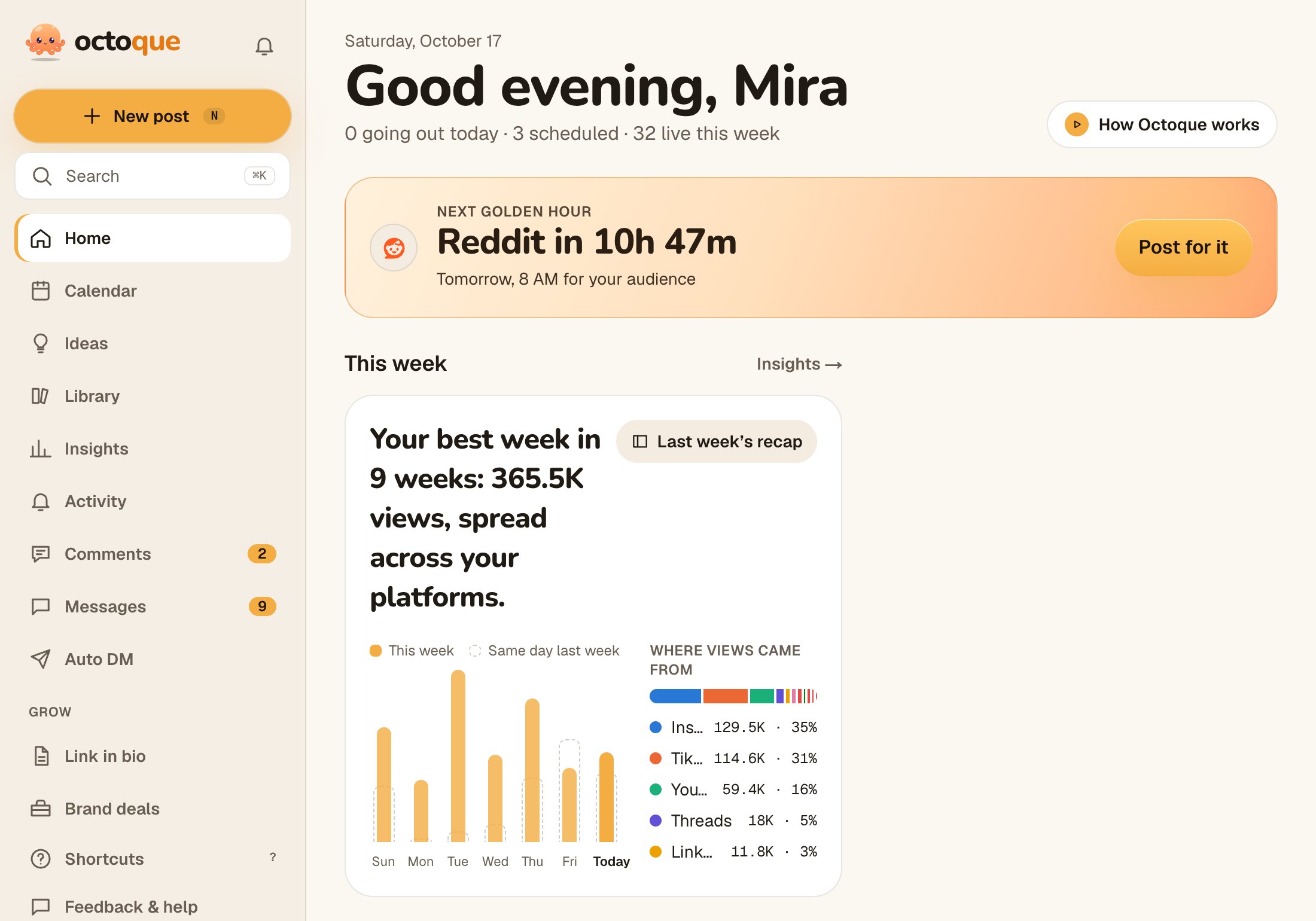
What each part of Octoque is for: Home, Calendar, New post, Library, Insights, Activity and You.
Updated
Steps
- Home: your day. Anything that didn’t post sits at the top with Retry now, then posts that need approval, Coming up, Drafts and Recently live.
- Calendar: what goes out when, by Week or Month, plus the Queue and your posting times.
- New post: upload once, pick platforms, schedule.
- Library: Drafts, All posts and Media (your uploads).
- Insights: views, likes, comments and new followers across platforms.
- Activity: what happened with your posts. A red dot means something new.
- You: profile, notifications, time zone and audience, connected accounts, team, plan and billing, privacy.
On a phone
The bar at the bottom has Home, Calendar, the + for a new post, Activity and You. Reach Insights from See all next to Recently live on Home, and Library from pick from Library on New post or See all next to Drafts.
Light or dark
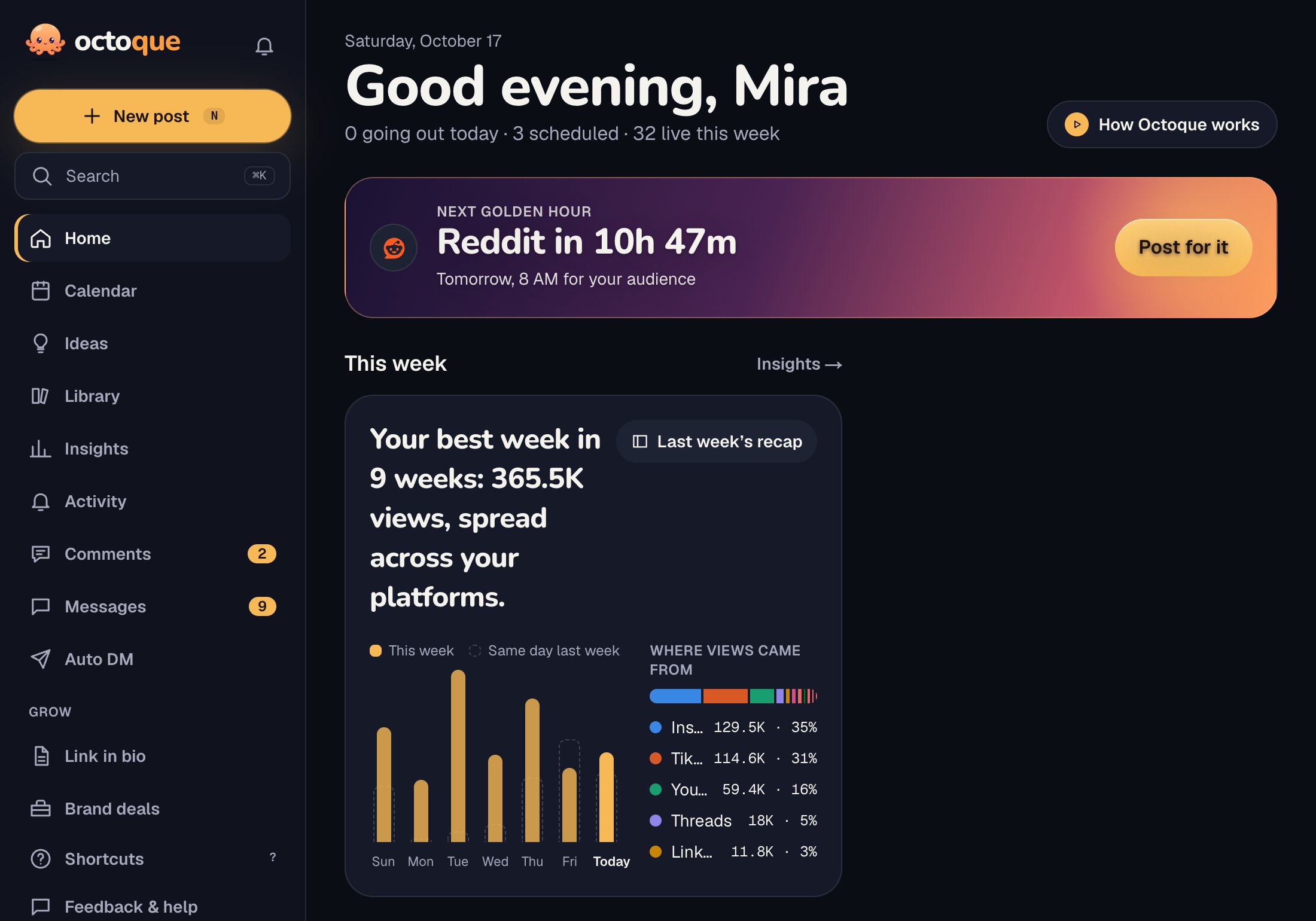
Under You → Appearance, the theme follows your device on Auto, or pick one.
Related articles
Last updated . Found something out of date? Tell us at hello@octoque.com. More in Getting started