Make your first post
Upload one video or photo, write one caption, and Octoque schedules it on every platform you picked, each at its golden hour.
Updated
Before you start
- At least one connected account. See Connect a social account.
- A video (MP4 or MOV) or photo (JPG, PNG or WebP), up to 1 GB. Text-only posts work on LinkedIn, X, Facebook and Threads.
Steps
- Tap New post (the + button on a phone).
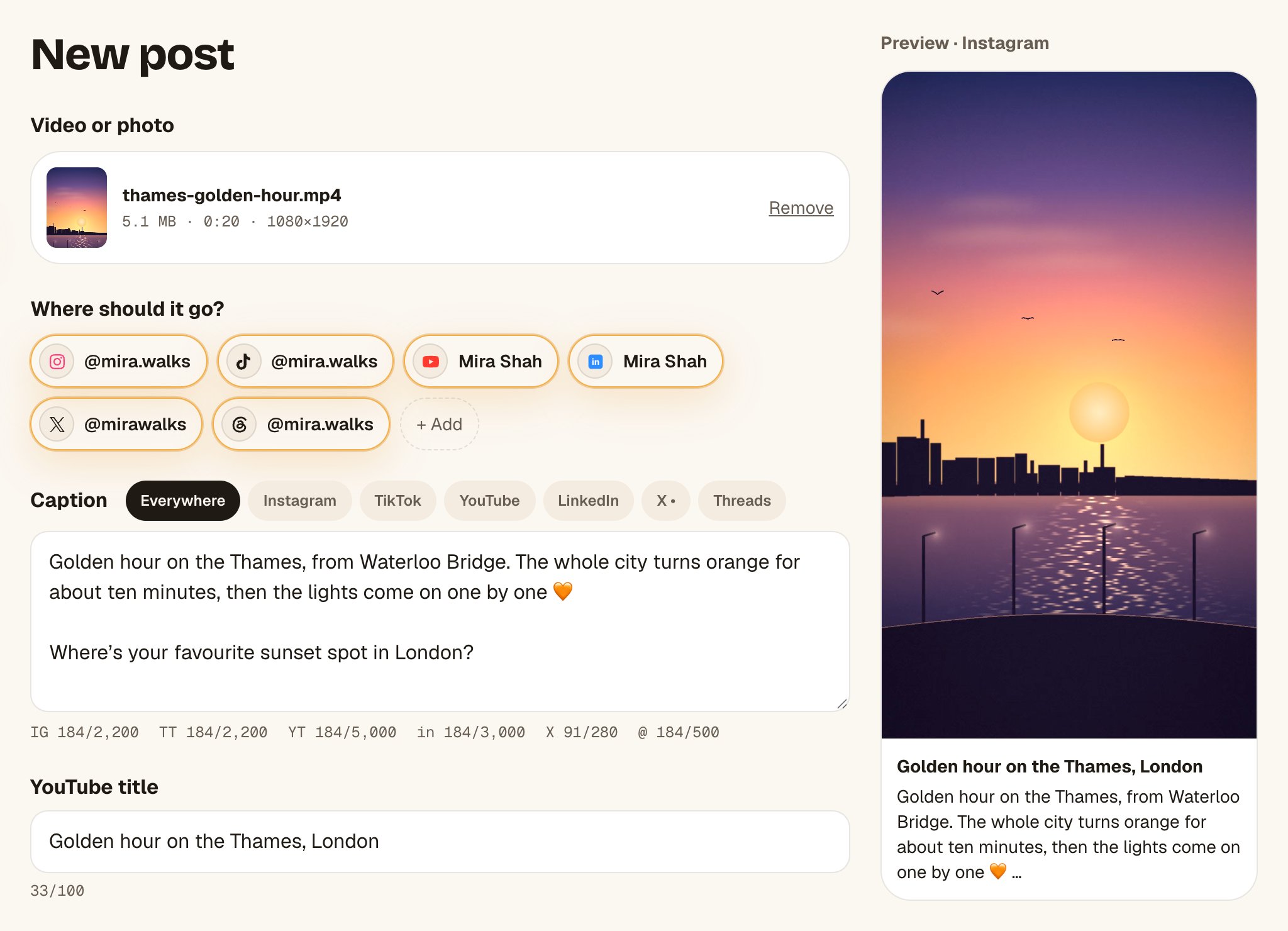
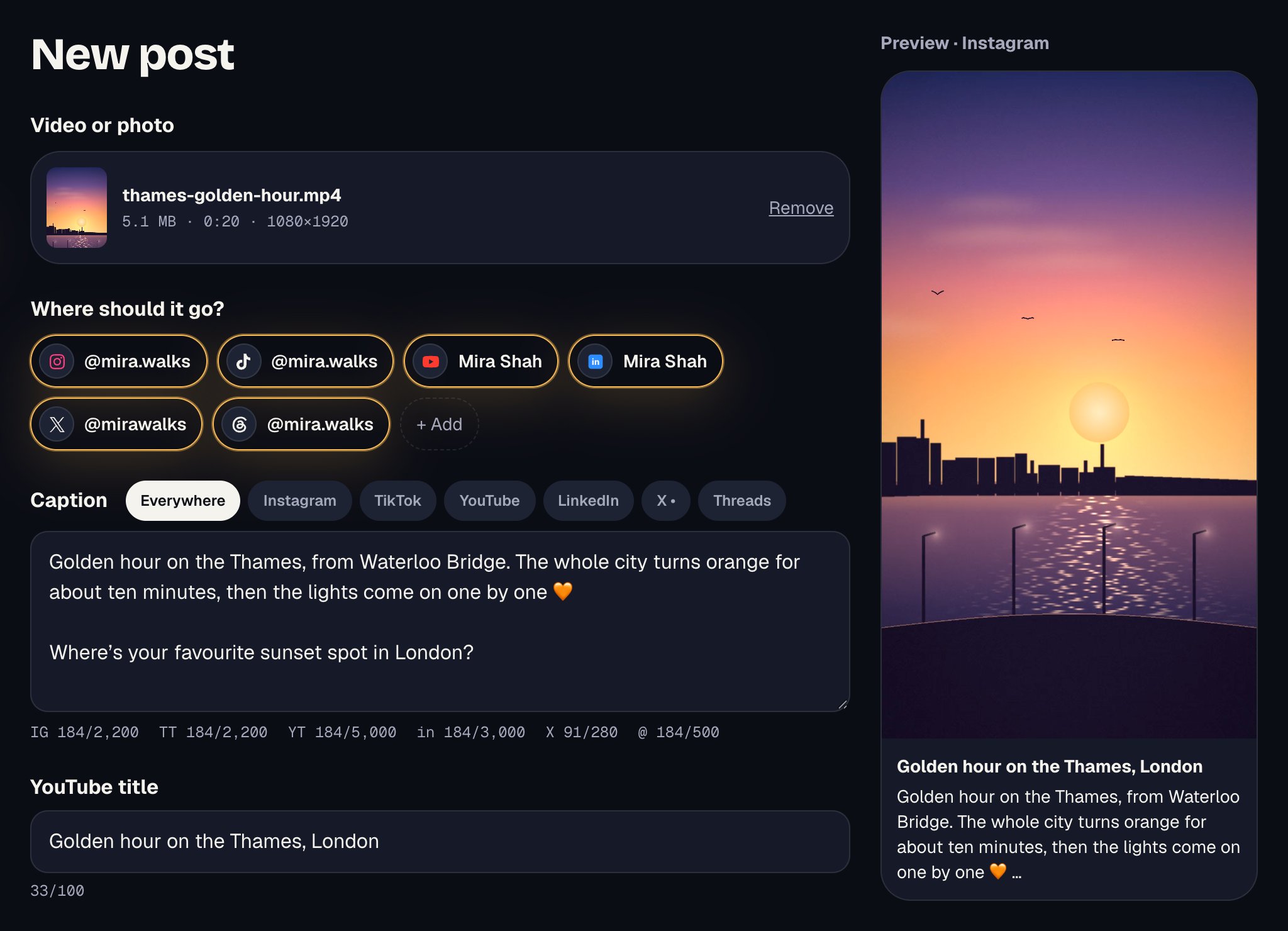
- Drop a file on Drop a video or photo, or tap it to choose one. You can also pick from Library.
- Under Where should it go? every connected account is picked. Tap an account to leave it out.
- Write your Caption. The counters under it show each platform’s limit, for example
X 41/280. - If YouTube is picked, add a YouTube title. If TikTok is picked, fill in TikTok settings (who can see it is required).
- Under When? keep Each platform at its golden hour. The time for each platform shows right under it.
- Tap Schedule on 3 platforms (the number matches what you picked).
What you’ll see
The post opens with a green note such as “Scheduled on 3 platforms. First one: Instagram, …”. It’s on your Calendar, and Activity tells you as each platform goes live.
If the button is grey
Octoque never leaves you guessing: under the caption you’ll see a line starting To post: with everything still missing, such as “pick at least one account”, “add a YouTube title” or “choose who can see this on TikTok”.
Troubleshooting
Instagram needs a photo or video. Add one, or leave it out.
Instagram, TikTok and YouTube don’t take text-only posts. Add a video or photo, or tap the account to leave it out.
Too long for X. Shorten it in its tab, or leave it out.
Tap the platform’s tab above the caption and write a shorter version there. See Write a caption for each platform.
Related articles
Last updated . Found something out of date? Tell us at hello@octoque.com. More in Getting started